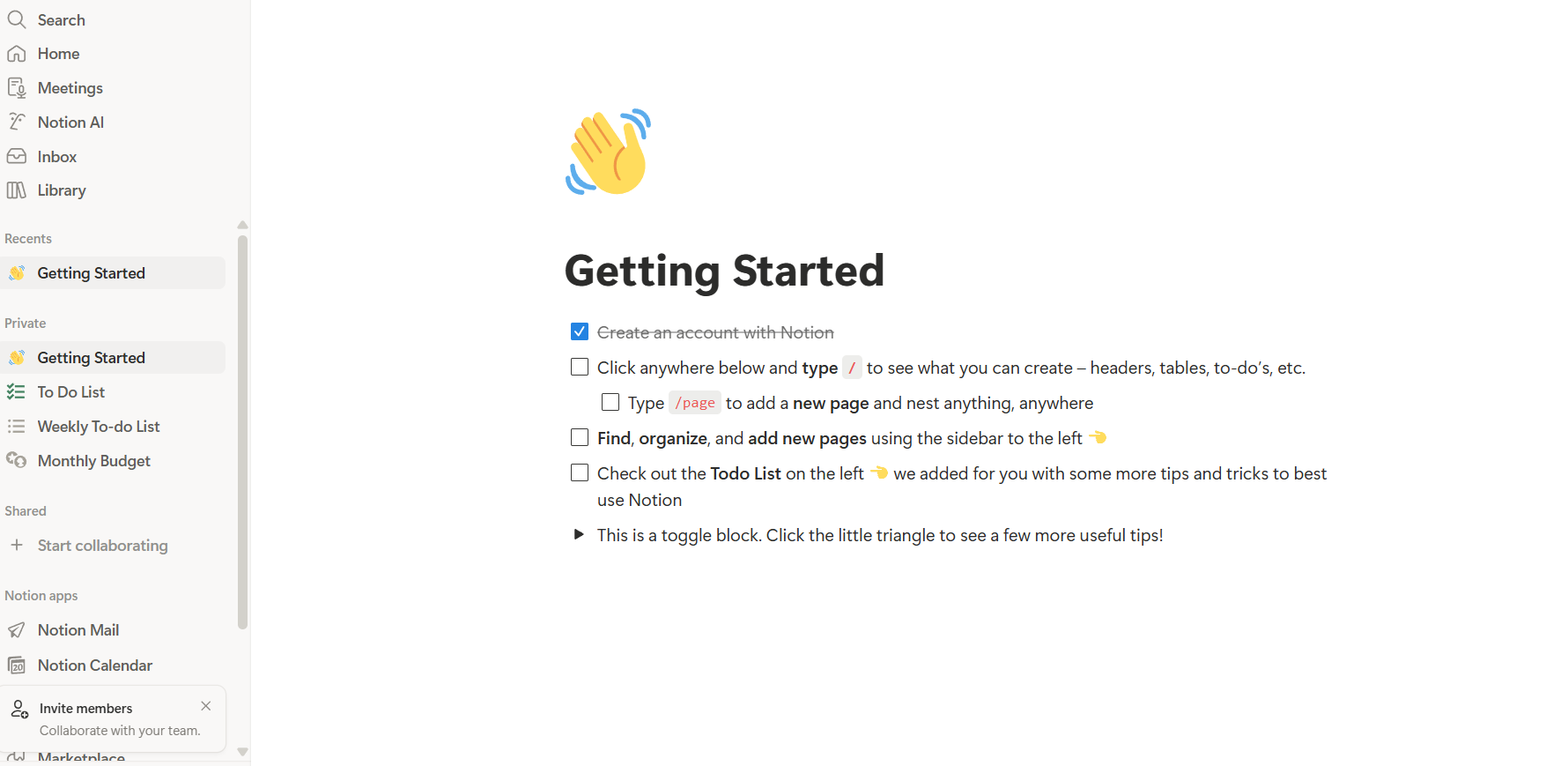
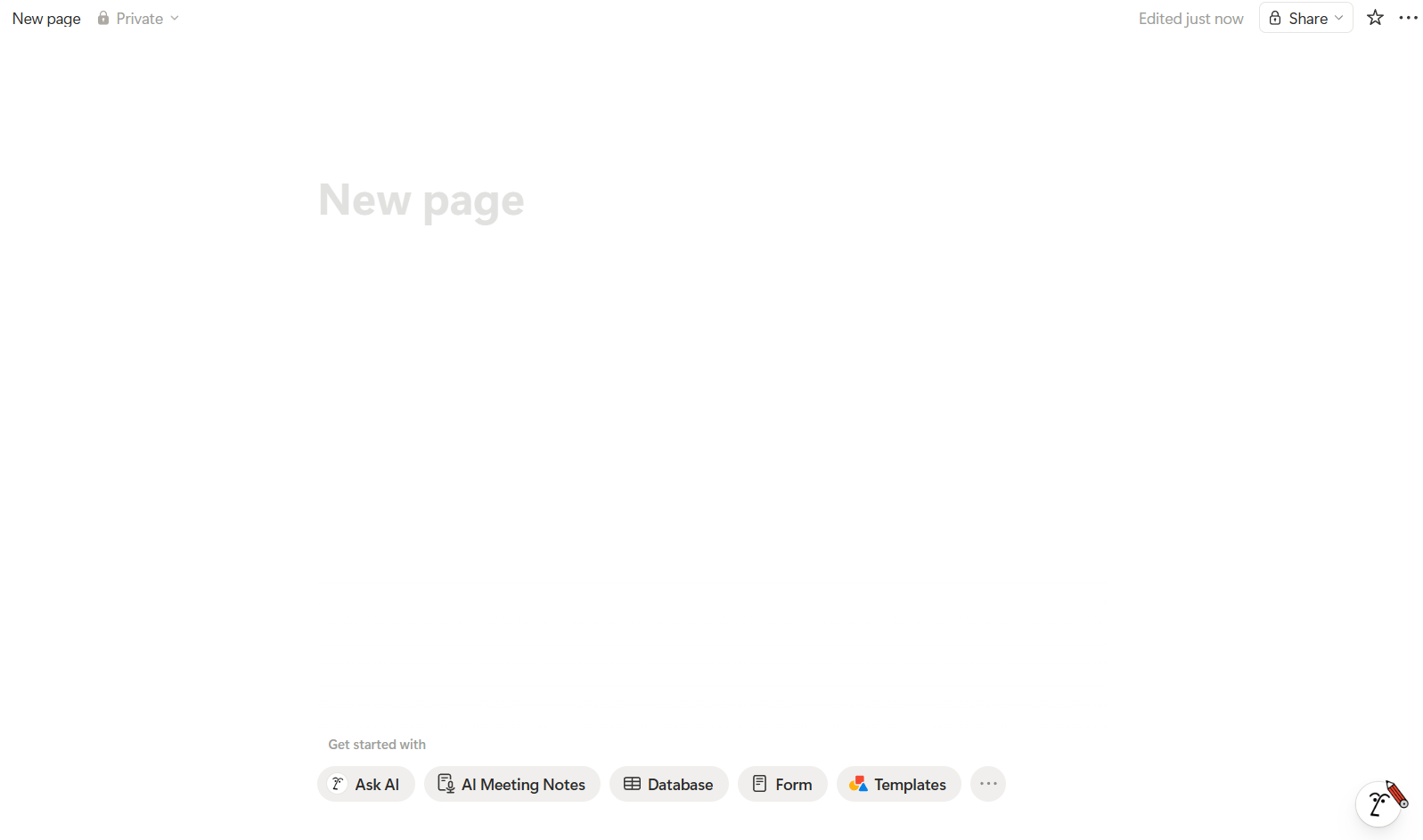
Let’s talk about Notion. You’ve probably heard it’s some super-powerful tool for organizing your life. But the first time you open it, you just see a blank white page. Honestly, it’s a bit intimidating. Ok, what is Notion?
In reality, Notion is just a builder. Think of it like a box of Legos, but instead of plastic bricks, you have blocks of text, images, tables, and lists. You decide what to build: a personal journal, a work database, or just a weekly grocery list.
Why is everyone talking about Notion?
We used to keep notes in one app, tasks in another, tables in Excel, and docs in Google Drive. Your info ended up scattered across the internet. Notion tries to pull it all into one pile.
And here is how Notion works. You create a page. Inside that page, you can make another, and ten more inside that. It’s like a nesting doll for your thoughts and work. But the real secret isn’t the pages, it’s the blocks.
Every single line in Notion is a block. You can grab any of them with your mouse and drag them wherever you want. Need to turn plain text into a heading? Easy. A checkbox? Simple. A whole new page? Takes a second.
Databases are the heart of the Notion system
If blocks are bricks, databases are the walls. But don’t let the word “database” scare you; this isn’t about programming.
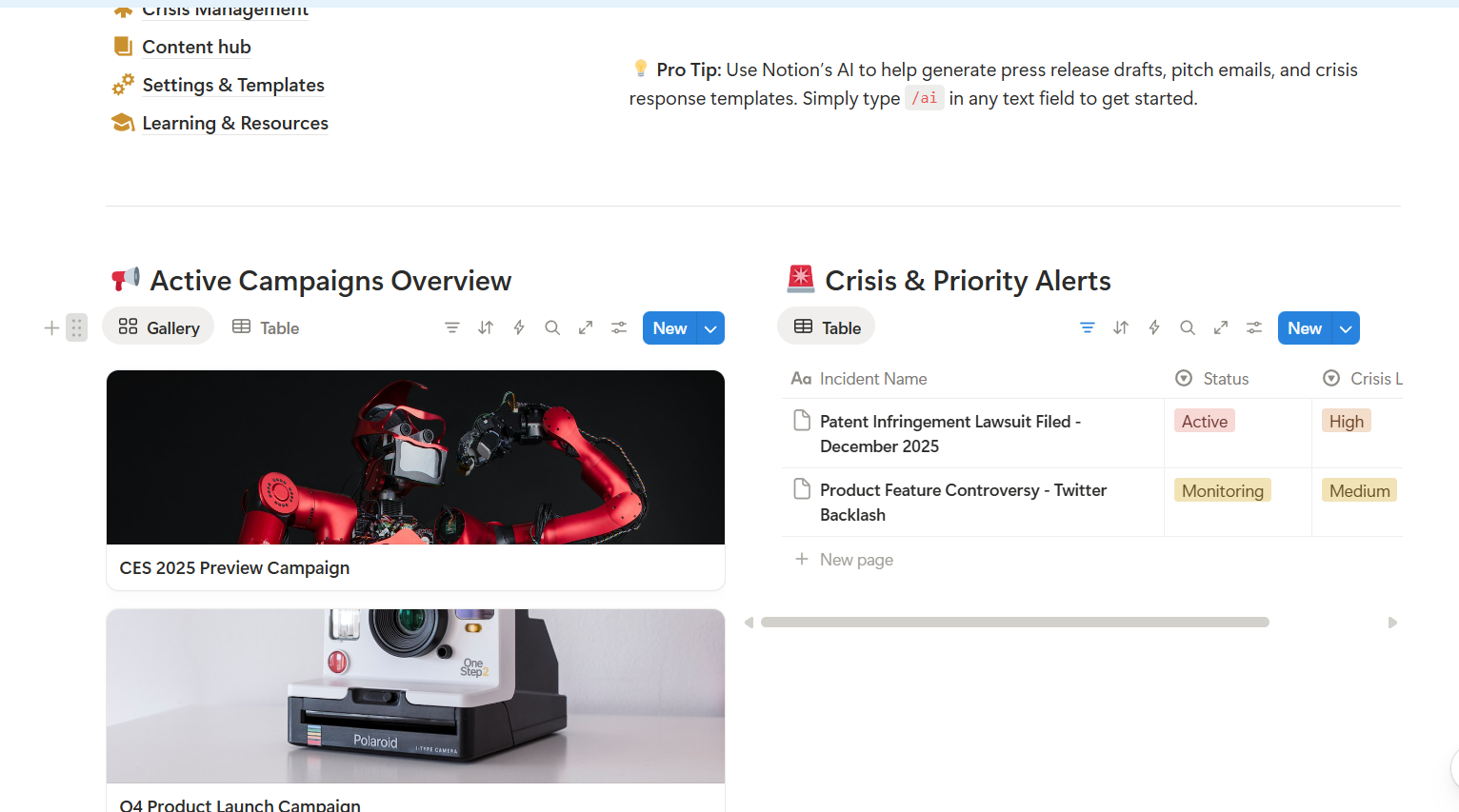
In Notion, a database is just a fancy table. The magic is that you can view the same info in different ways.
Say you have a task list. You can look at it as a normal table.
But click one button, and it turns into a calendar.
Click another, and it’s a Kanban board (like Trello), where you move task cards between columns like “Doing” and “Done”.
It is incredibly handy because you don’t have to rewrite anything, you just change the “view”.
How to start Notion without losing your mind
The biggest mistake beginners make is trying to build a rocket ship right away. People download complex Notion templates, spend three days picking icons and fonts, and then quit because the system is too complicated.
My advice: start simple.
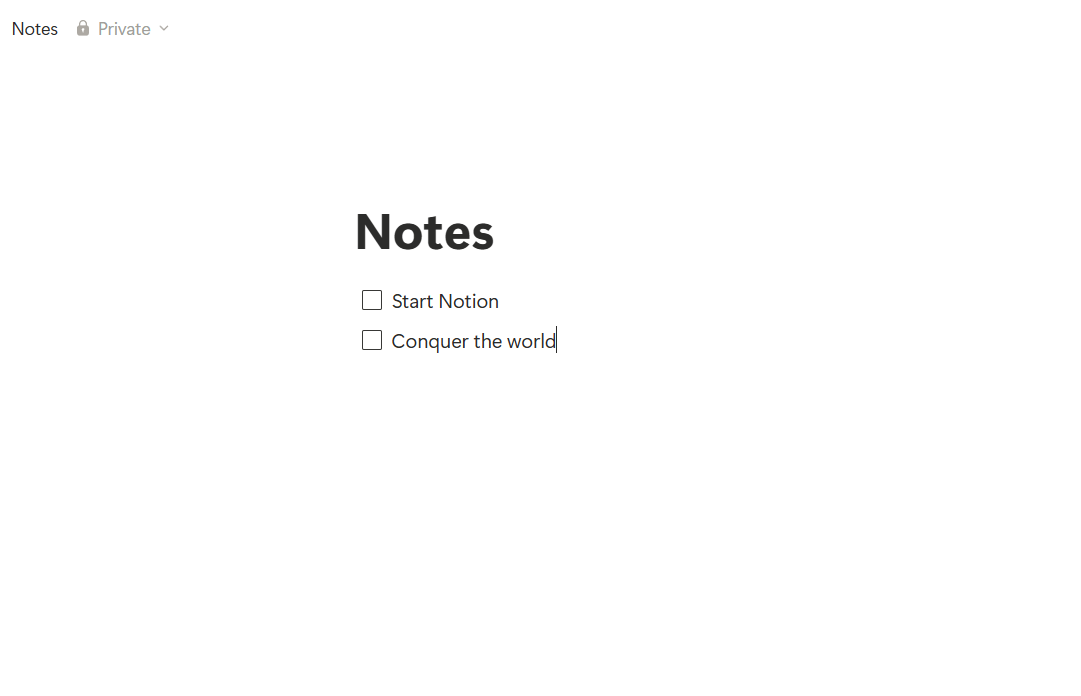
Create a “Notes” page.
Write a to-do list for tomorrow.
Maybe add a couple of sub-pages for ideas.
That’s it. Don’t do anything else for the first days. Just get used to how the text feels under your cursor.
The downsides of Notion
I won’t pretend it’s perfect for everyone. Notion has its glitches.
For one, it can be slow. If you have five hundred images and heavy tables on one page, it might lag while loading. That’s annoying when you just want to jot something down quickly.
Then there’s the mobile app. It’s okay, but not great. Typing long texts there isn’t exactly fun. It’s more for checking info or ticking a box while you’re waiting for coffee.
Who is Notion for?
Students: It’s the best way to keep lecture notes. You can drop in code snippets, math formulas, and videos.
Freelancers: Notion becomes your office. It’s great for storing client briefs, tracking money, and writing drafts.
Teams: It replaces endless messenger chats. You can comment on a specific word in a doc, tag a teammate, and set a deadline.
What is Notion?
Notion is a space that grows with you. It starts as a grocery list, and a year later, your whole life is organized there.
Don’t try to learn every feature at once. Just start writing. Over time, you’ll figure out where you need a table and where a simple list is enough


 No products in the cart.