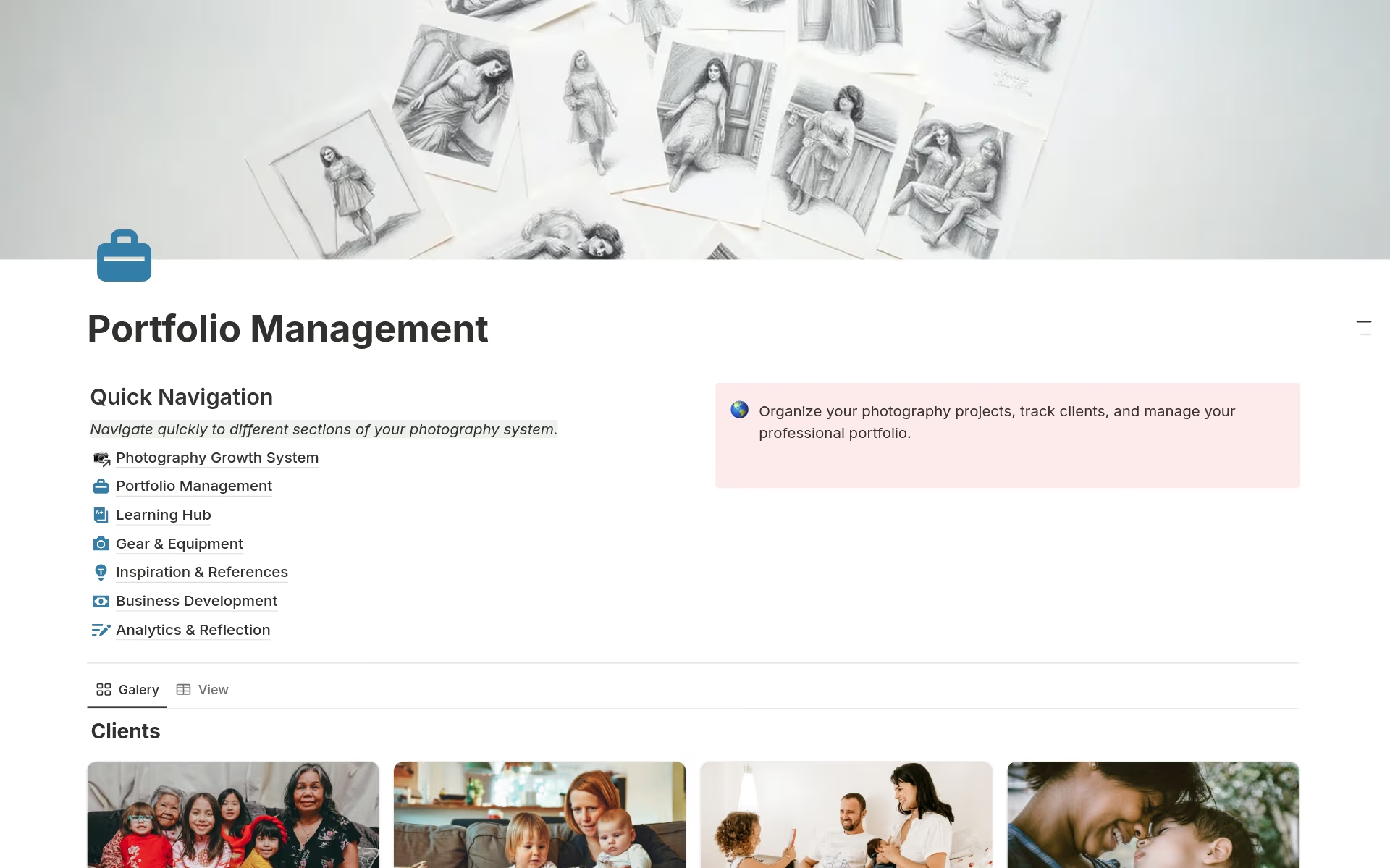

It can be tough to keep track of every shoot, client, and piece of gear while trying to actually focus on taking better photos. Usually, photographers end up with notes scattered across different apps or buried in physical journals. This Notion system is built to fix that mess, giving you a single place to handle the business side and the creative side at the same time. It is not a “revolutionary” shortcut, but it is a very solid way to stay organized.
A Closer Look at the System
Having a central spot to manage a photography career makes a huge difference. This setup uses seven databases that talk to each other so that information stays updated across the board.
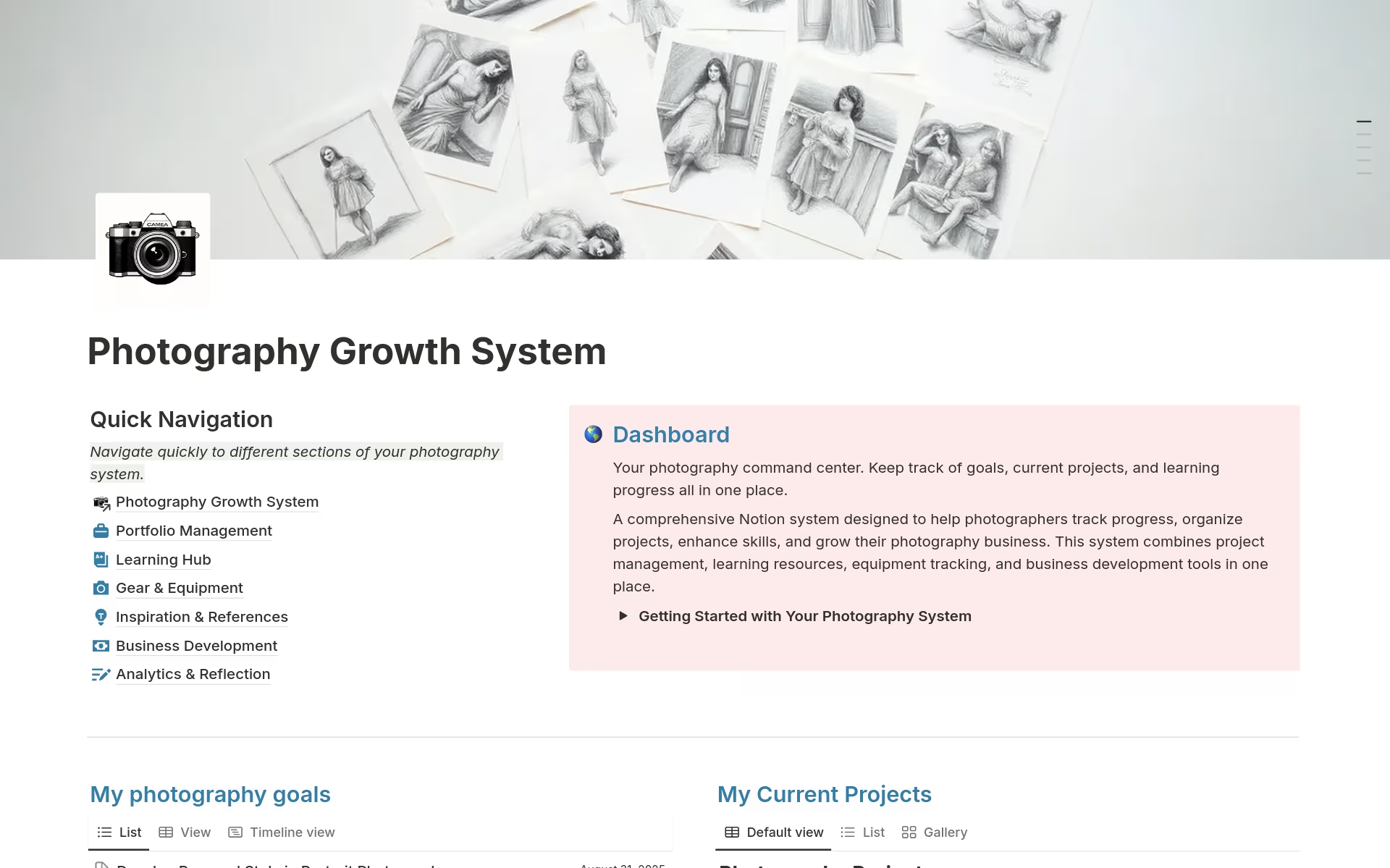
The Command Center. This is the main dashboard where you can see your goals and active projects at a glance.
Portfolio and Client Work. This section is for organizing shoots from the initial planning stages all the way to final delivery. It keeps client details and portfolio reviews in one spot.
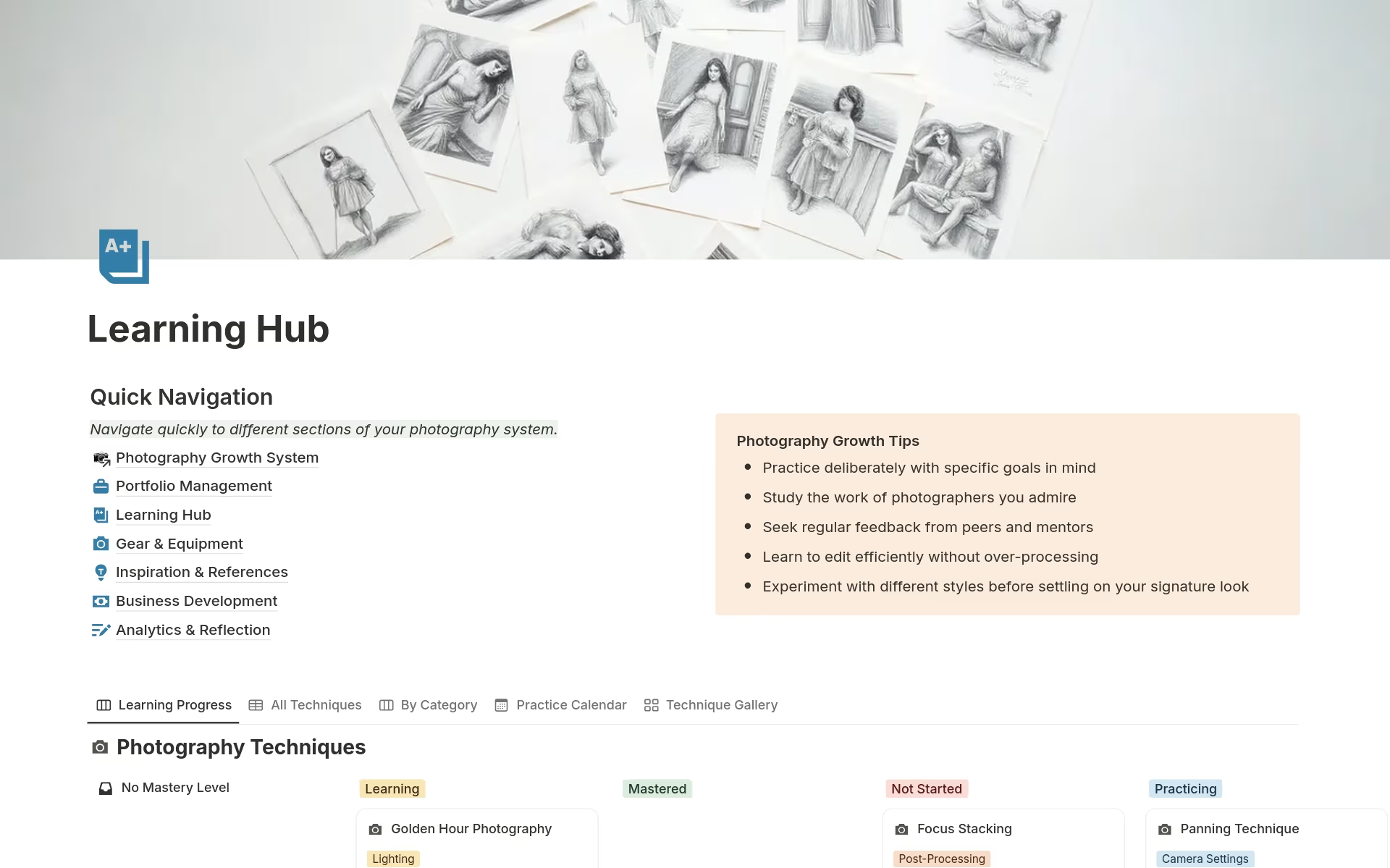
Skill Development. There is a dedicated hub for following courses and mastering techniques systematically. It is designed for those who want to improve their craft without feeling overwhelmed.
Gear Inventory. Managing equipment can be a headache, so this includes a tracker for your current kit, maintenance schedules, and a wishlist for future purchases.
Inspiration and Locations. You can save reference images from photographers you admire and keep a list of potential shoot locations.
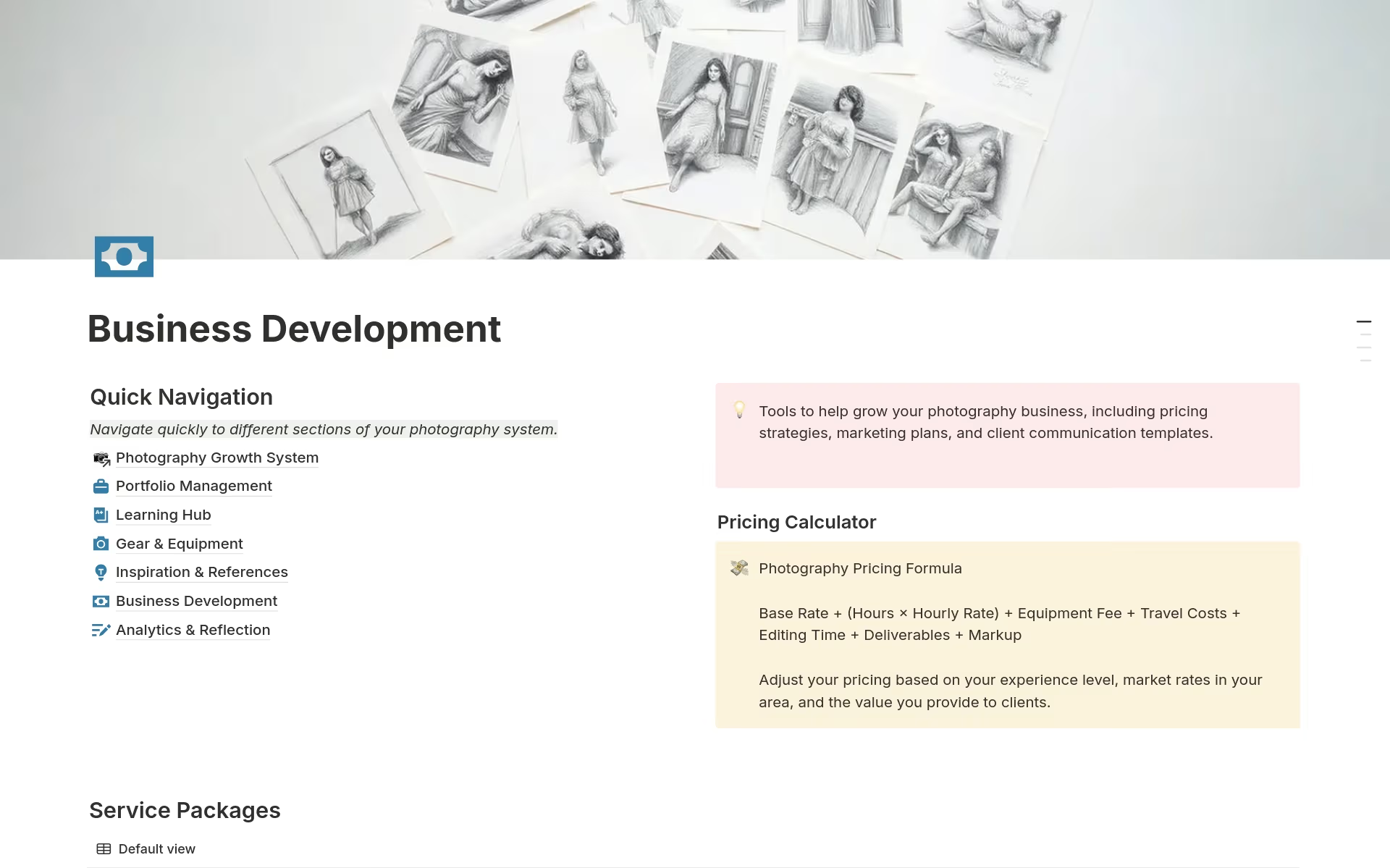
Business Tools. This part includes a pricing calculator and service packages. It also has templates for talking to clients, which saves a lot of time on repetitive emails.
Growth Tracking. There are templates for monthly reviews and analytics to see how your skills and business are actually progressing over time.
Why This Setup Works
The layout is clean and minimalist, so it doesn’t get in the way of your work. Since it is fully customizable, you can tweak the sections to fit your specific photography style, whether you do portraits, landscapes, or commercial work.
It is also built to save time. Instead of building a new tracking system from scratch, you can just import this and start using it immediately. The color-coded sections make it easy to find what you need without clicking through twenty different pages.
Who Should Use This
This system is for anyone who takes photography seriously. It works well for:
- Amateurs who want a more structured way to learn.
- Semi-pros moving into paid client work.
- Full-time professionals who need to get their organization under control.
- Educators who are keeping track of student progress.
Getting Started
The template comes with sample data already inside, so it’s easy to see how the databases connect. You can just swap that out for your own projects and goals. It works on any Notion plan and is best set up on a desktop, though it is handy for checking your gear or shoot details on mobile while you are out in the field.
The real benefit is that it lets you stop worrying about the paperwork and get back to taking photos.


 No products in the cart.
Reviews
There are no reviews yet.