

Building a software product often leads to a mess of disconnected tables and spreadsheets. This system fixes that by creating a single workspace for everything from high-level strategy to daily tasks. It helps manage a saas project as a living organism rather than a static list of notes.
What is this system?
The SaaS Project Planner is a Notion template designed for end-to-end product management. It covers several key areas:
-
Strategy and planning via Roadmap and Backlog.
-
Execution through a dedicated Sprint Board.
-
Performance tracking using Metrics and KPIs.
-
Customer signal processing through Feedback.
-
Resource management via the Team module.
Dashboard: The Command Center
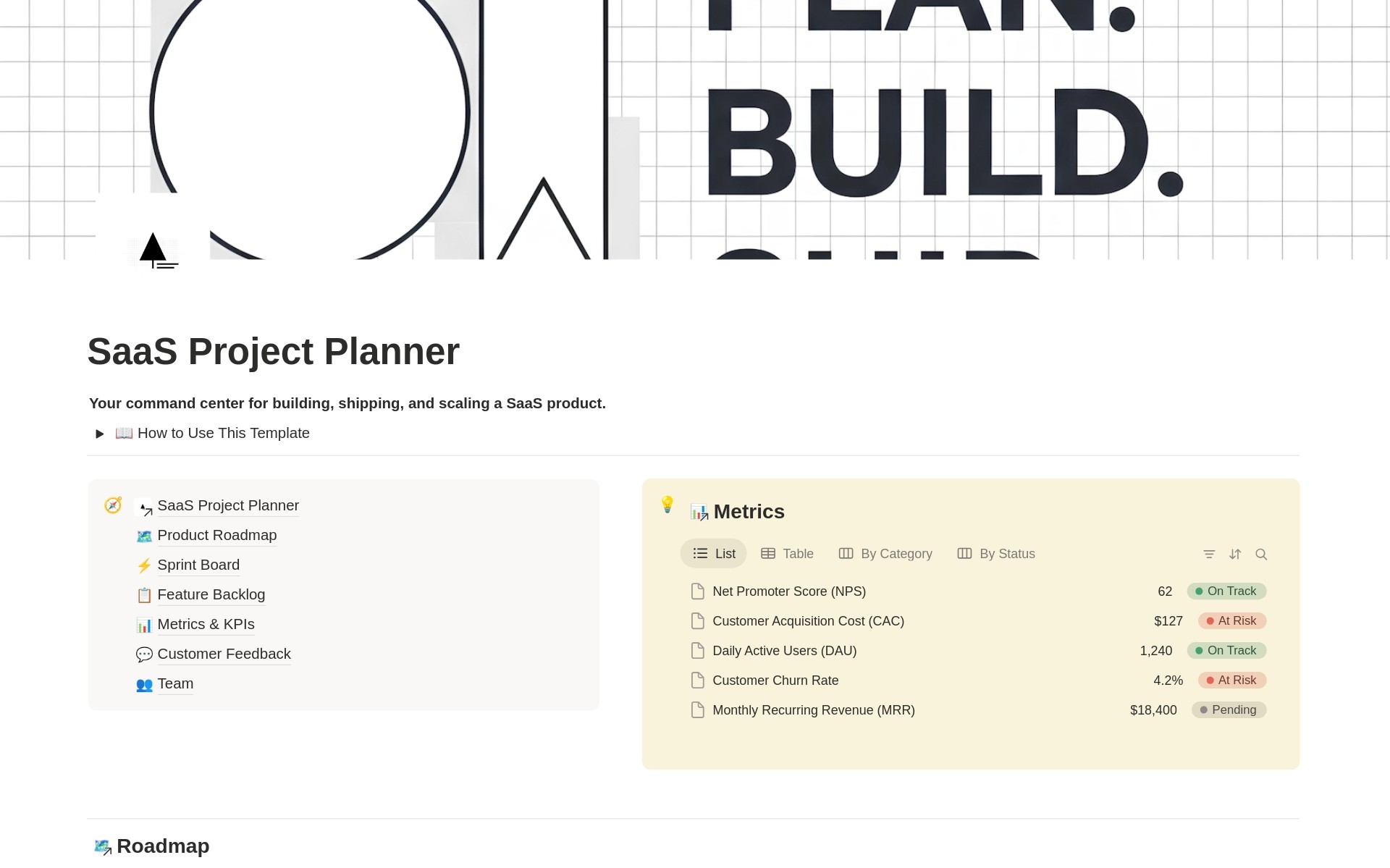
The Dashboard acts as a central hub. It uses linked views of the main databases so the entire project is visible at a glance without navigating away.
-
View of Metrics: Shows KPI summaries to ensure every decision is based on data.
-
View of Roadmap: Displays the current strategic plan and active work
-
Current Sprint: Tracks what needs to happen this week.
-
View of Feedback: Monitors incoming signals from users.
-
Backlog and Team: Helps prioritize ideas based on available resources.
Internal pages hold the source data, keeping the Dashboard clean and stable.
Core Modules and Functionality
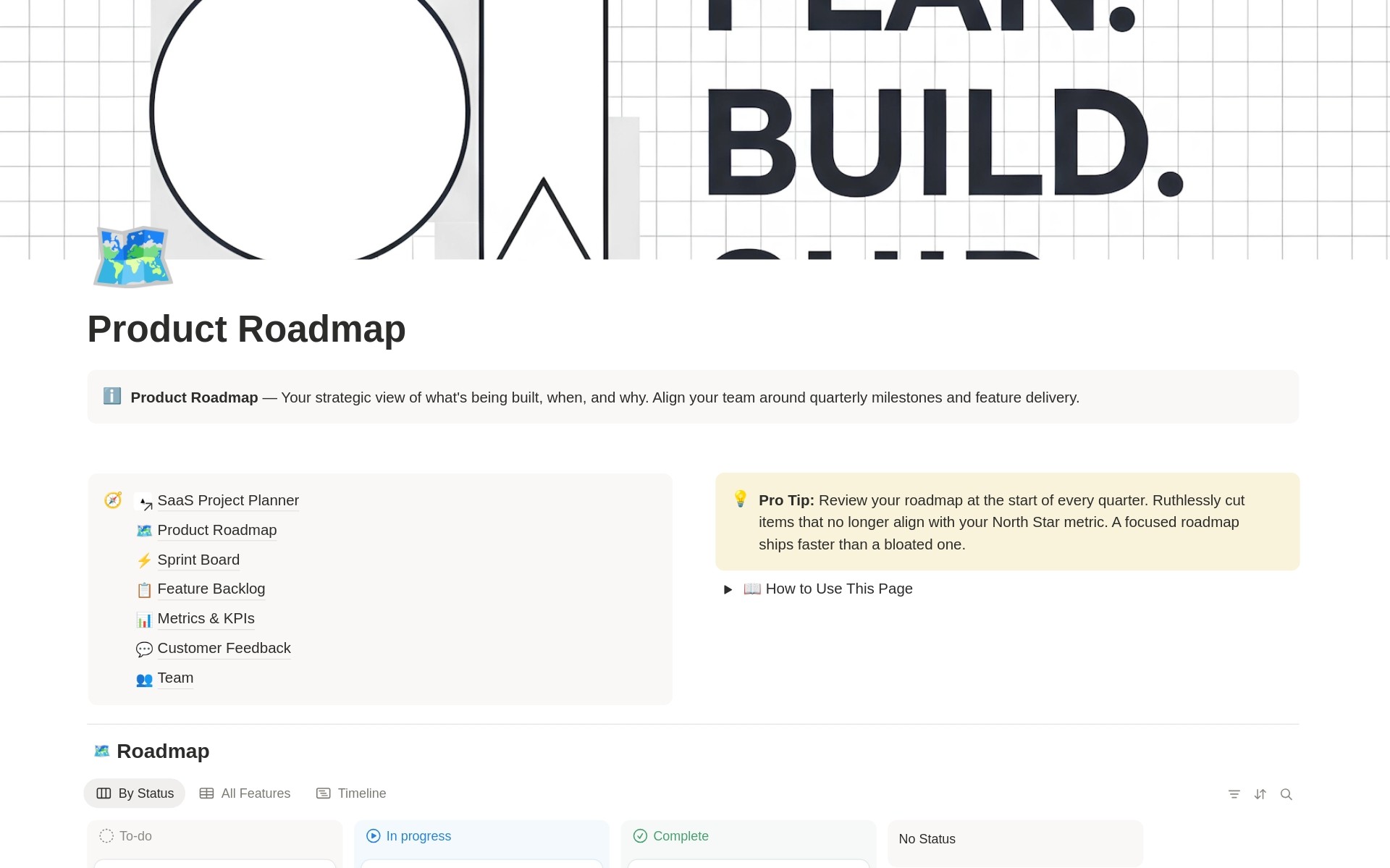
Product Roadmap This module handles long-term planning and transparency. It allows for feature organization by quarter and priority. Delivery statuses like “Planning” or “Shipped” keep everyone aligned on what comes next. It connects directly to the backlog to move validated ideas into the production timeline.
Feature Backlog This is a pipeline for ideas and requests. It uses an Impact/Effort scoring logic to find “quick wins”—tasks that offer high value for low effort. Ideas move through statuses from “New” to “Approved” before being linked to the Roadmap. This is essential for managing saas projects effectively.
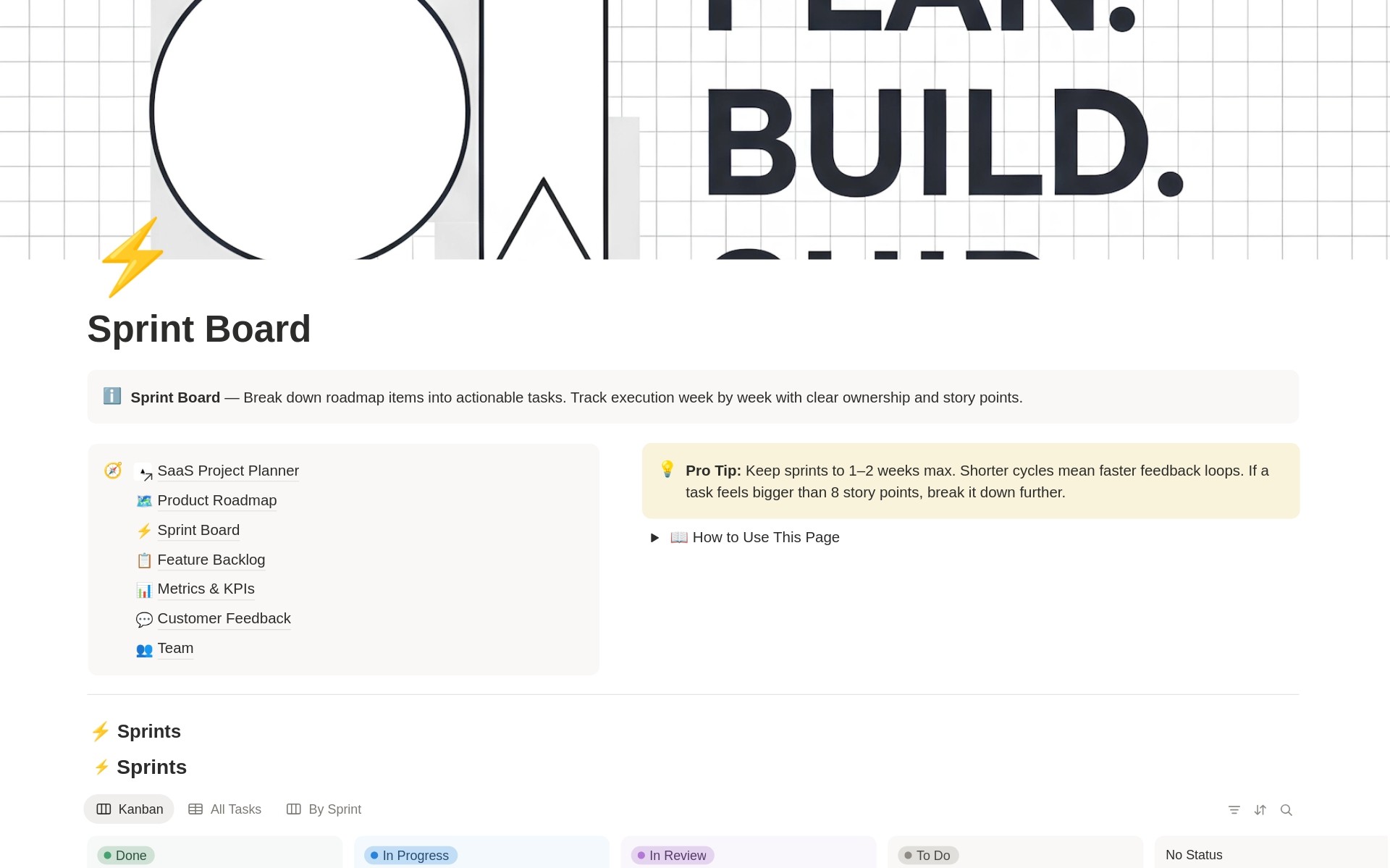
Sprint Board The execution layer breaks down large goals into small tasks. It includes ownership assignment, Story Points for estimation, and a Kanban view. Grouping by sprints prevents team burnout and keeps the scope realistic. It is a practical tool for saas project management.
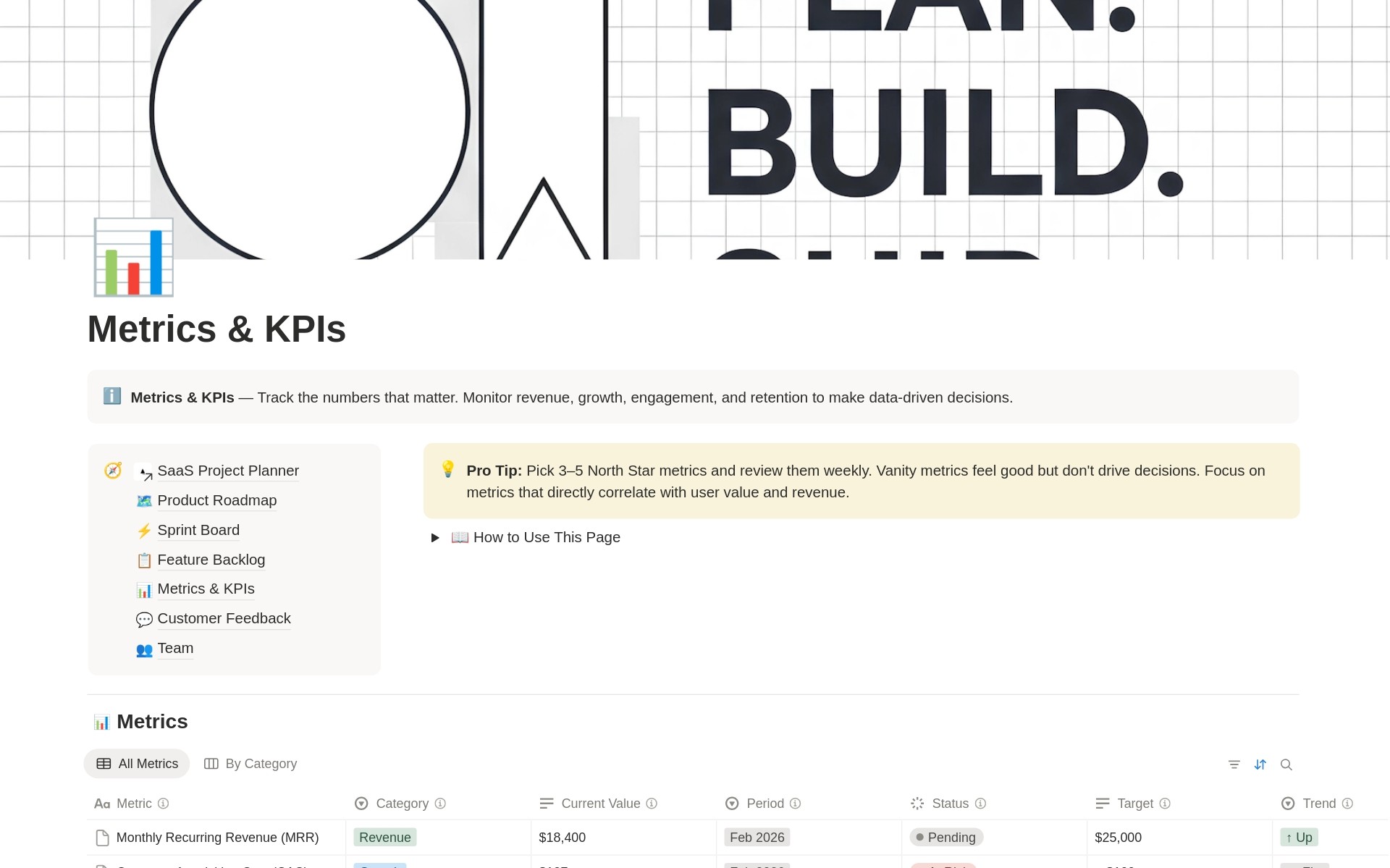
Metrics & KPIs A system for managing by numbers. It tracks saas revenue projections, MRR, churn, and CAC. Each metric has a target and a “health” status like “At Risk” or “On Track.” Trend indicators (↑ / ↓) provide a quick scan of growth or retention.
Customer Feedback This module captures the voice of the user. It logs feedback by channel, sentiment, and source. Each entry can be tied to a specific feature in the backlog, ensuring that user needs directly influence the product’s future.
Team This section tracks roles, focus areas, and actual capacity. It shows availability percentages and status, such as “Active” or “On Leave.” This ensures that sprint planning stays grounded in reality.
Interconnected Logic
The planner works as a chain. Feedback creates a signal. This signal goes to the Backlog for scoring. The best ideas move to the Roadmap. These ideas are then broken into Sprint tasks. Finally, the results are measured in the Metrics module.
Operational Rhythm
To use this as saas project management software, a specific routine is recommended:
-
Daily: Update the Sprint Board and clear blockers.
-
Weekly: Review the previous sprint and plan the next one while checking KPIs.
-
Monthly: Log metrics and analyze feedback patterns.
-
Quarterly: Review the Roadmap and adjust priorities.
This structured approach makes it one of the best saas project management software solutions for Notion users who need a saas implementation project plan that actually works.






 No products in the cart.
Reviews
There are no reviews yet.