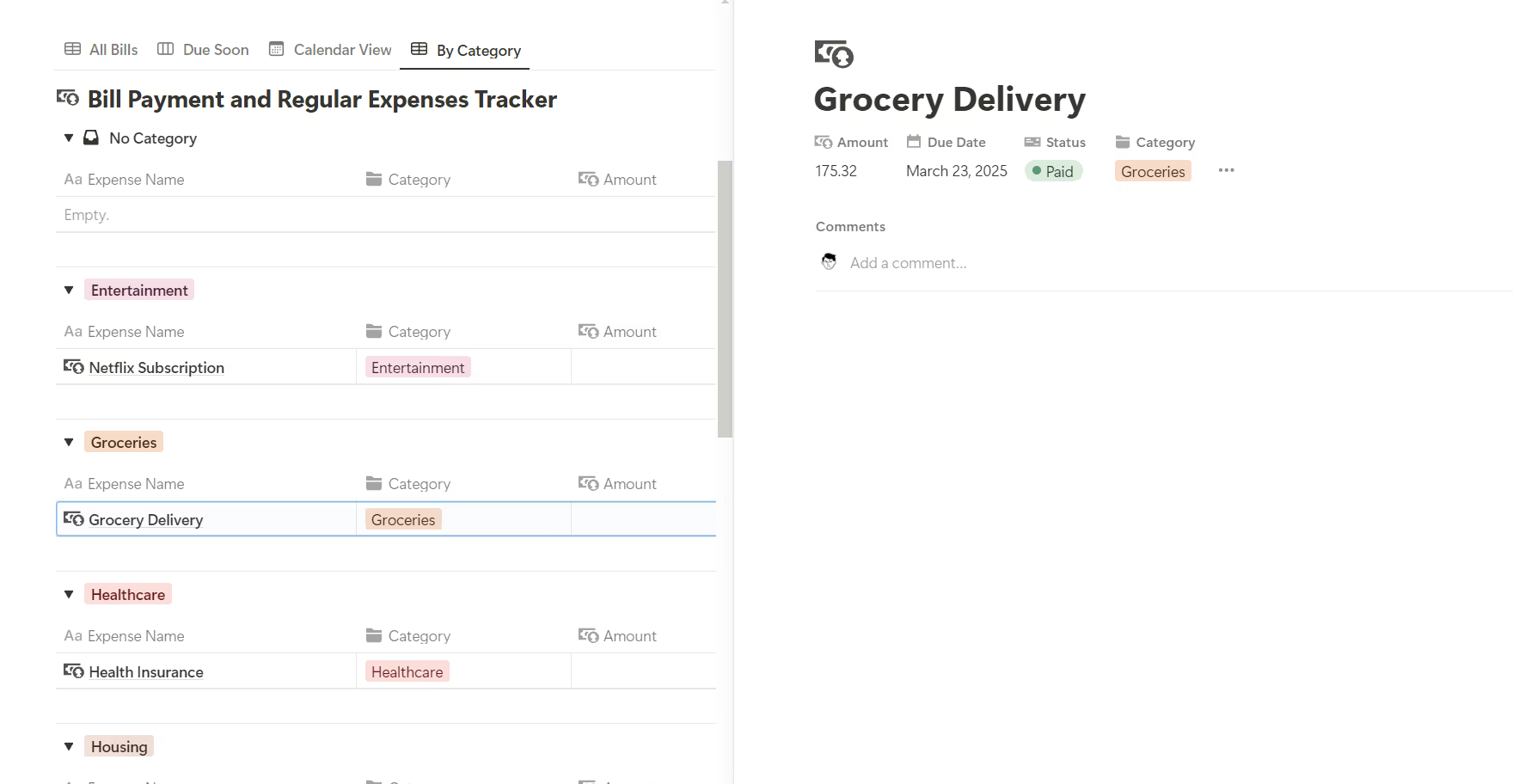

Managing a bunch of different bills every month is a headache. This Notion template is a simple way to keep all your regular payments in one spot. It’s basically a digital dashboard where you can see what’s due, when it’s due, and how you’re paying for it so you don’t get hit with late fees.
Who is this for?
- People who are tired of juggling ten different due dates in their heads.
- Families trying to split up who pays for what.
- Anyone who just moved out and is learning how to manage a budget for the first time.
- Busy people who want to see their monthly spending without digging through bank statements.
Why use it?
It’s easy to lose track of a subscription or forget about a utility bill until the lights go out. This template helps you:
Keep every single recurring cost in one central place.
Track which bills are set to auto-pay and which ones you need to handle manually.
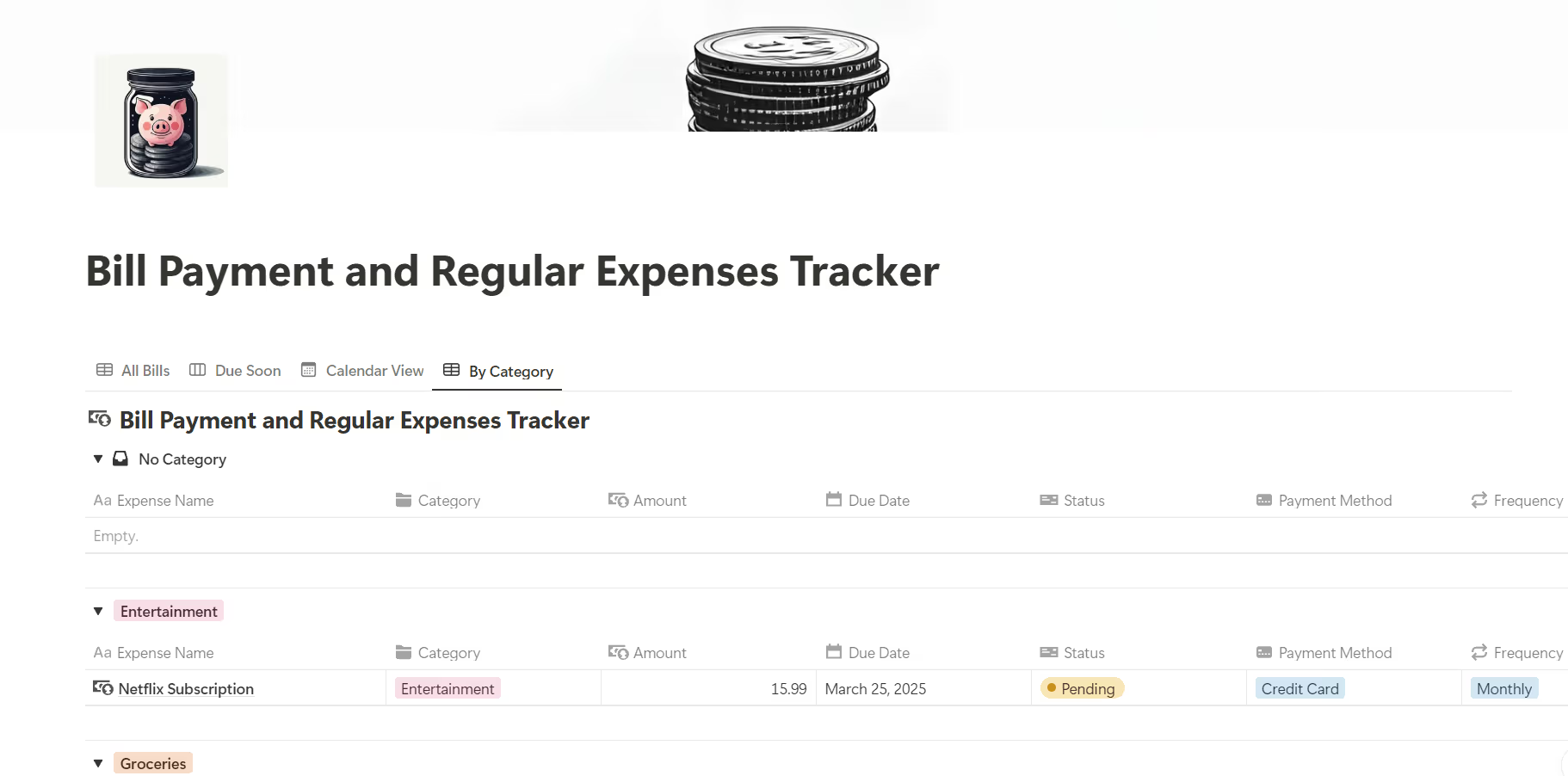
See exactly how much you’re spending on things like entertainment versus housing.
Keep a history of your payments to see if your bills are creeping up over time.
What’s inside?
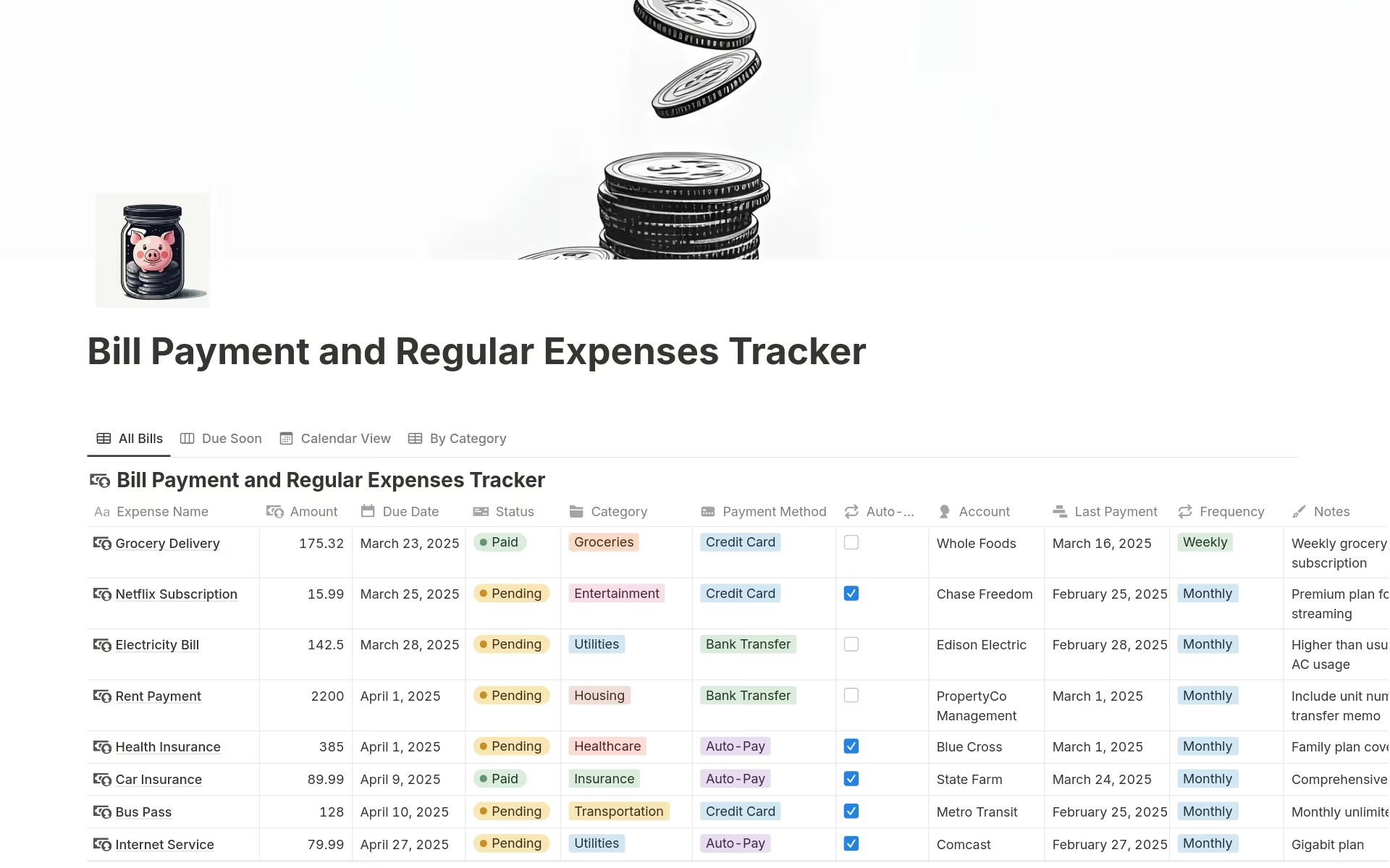
The template uses a straightforward table with everything you need to know:
Expense Name & Amount: What it is and how much it costs.
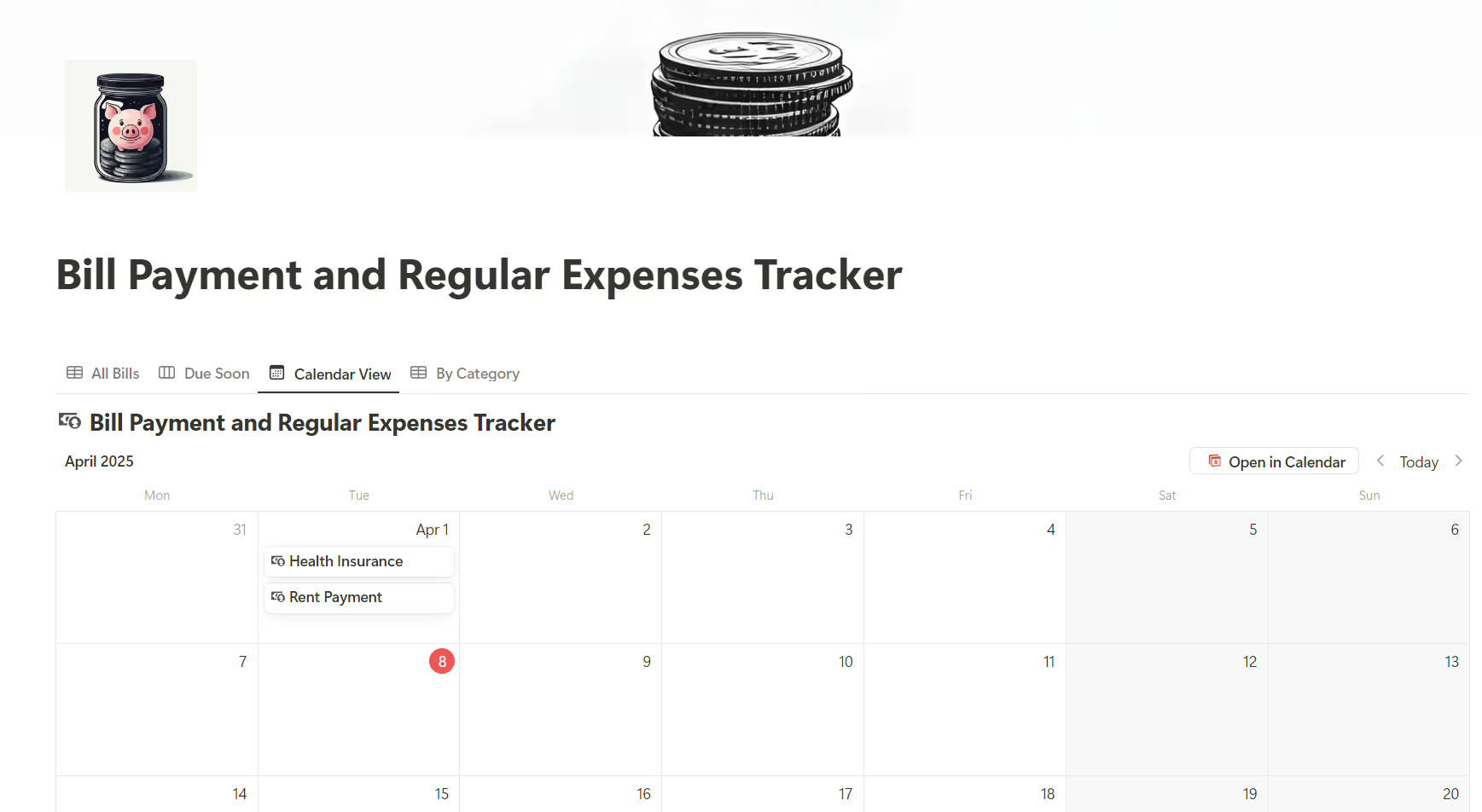
Due Date & Status: When to pay and whether it’s already done.
Category & Method: What type of bill it is and w
hich card or account you use.
Frequency: Whether it’s a monthly, quarterly, or yearly payment.
Notes: A spot for account numbers or provider contact info.
How to get started
Duplicate the template into your own Notion workspace.
List your regular bills rent, Netflix, gym, insurance, etc.
Fill in the dates and amounts.
Update the status as you pay them throughout the month.
Honestly, once you see all your bills lined up in one place, you usually find at least one or two subscriptions you forgot you were even paying for.







 No products in the cart.
Reviews
There are no reviews yet.